
If you’re wondering how to add captions to Instagram Reels, the short answer is this: captions make your Reels understandable without sound, more inclusive, and far more discoverable by both humans and platforms.
In today’s scroll-fast culture, most users watch Reels on mute, and Instagram’s algorithm favors content that keeps viewers watching longer.
Captions do exactly that. They grab attention, guide emotion, and improve retention while helping systems understand what your video is about.
In 2026, captions are no longer optional extras; they’re algorithm signals, accessibility tools, and engagement boosters rolled into one.
Whether you’re a creator, brand, coach, or casual user, learning how to add captions to Instagram Reels correctly can dramatically increase saves, shares, and comments.
This guide gives you a complete, step-by-step, future-proof system.
By the end, you won’t just know how to add captions you’ll know how to make them work for you 💡🔥
🎬 How to Add Captions to Instagram Reels Using Instagram Auto-Captions 🎬
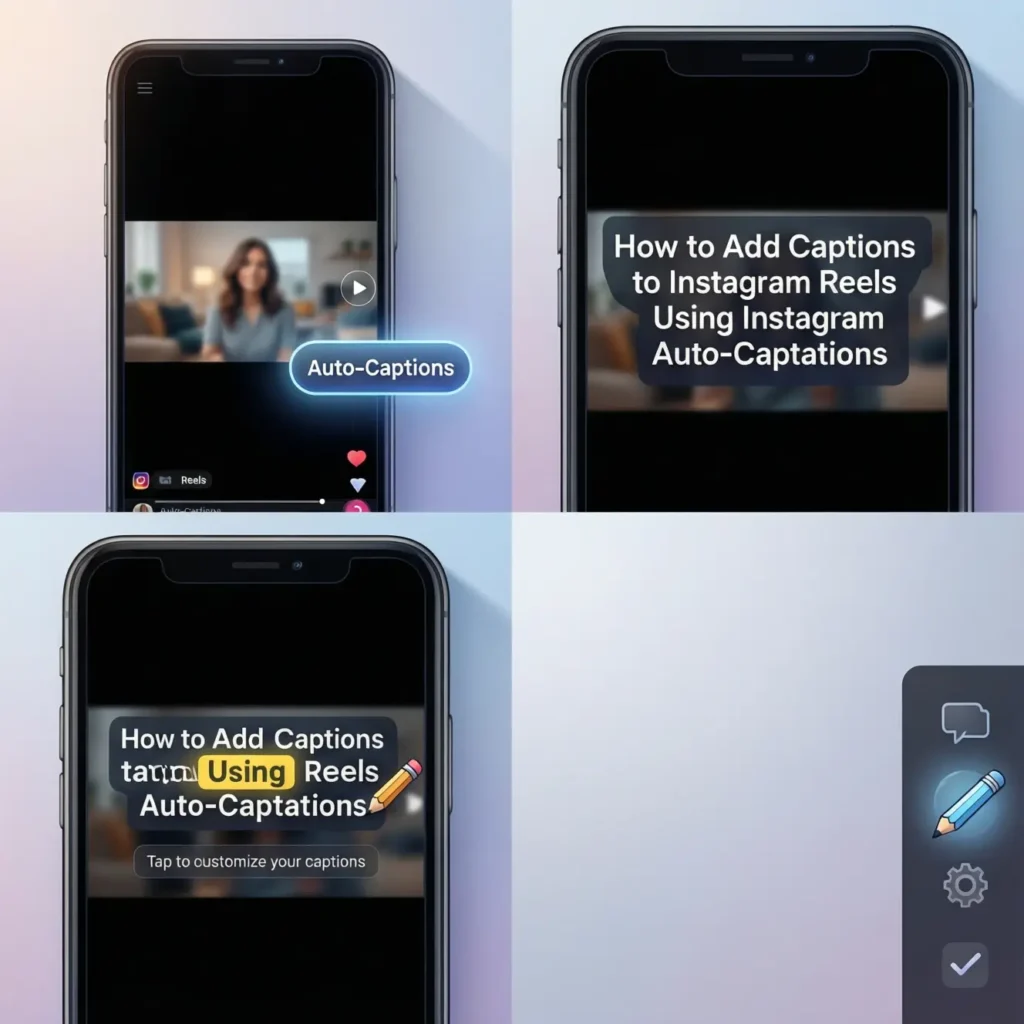
- 📱 Open Instagram and tap “+” to create a Reel 📱
- 🎥 Record or upload your video 🎥
- 🧩 Tap the Sticker icon 🧩
- 📝 Select Captions 📝
- 🤖 Let Instagram auto-generate text 🤖
- ✍️ Review the captions carefully ✍️
- 🔄 Edit spelling or timing if needed 🔄
- 🎨 Change font style and color 🎨
- 📐 Move captions to a readable position 📐
- 👀 Preview the Reel with sound off 👀
- ✅ Save changes ✅
- 🚀 Post your Reel 🚀
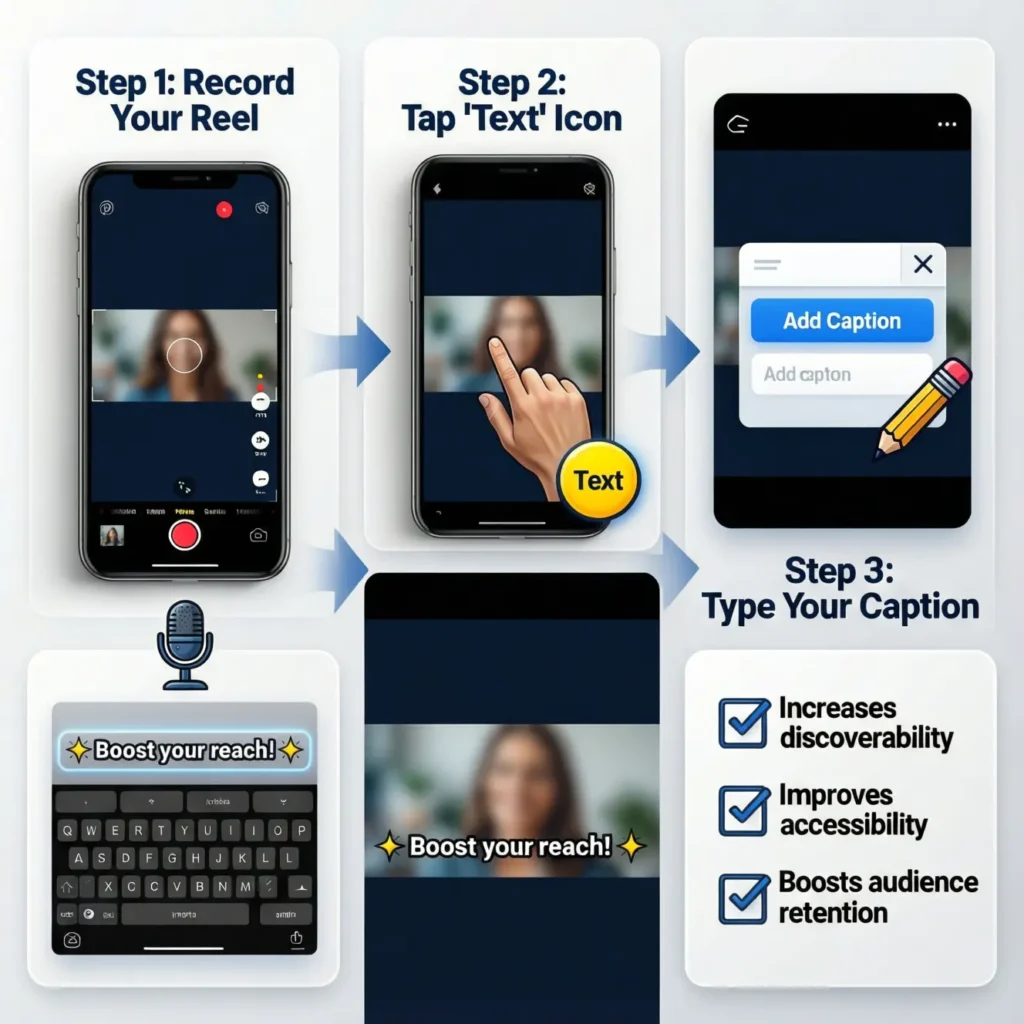
✍️ How to Add Captions to Instagram Reels Manually for Full Control ✍️
- 🎬 Upload your Reel normally 🎬
- 📝 Tap Text (Aa) instead of captions 📝
- ⌨️ Type your spoken words ⌨️
- ⏱ Match text timing with speech ⏱
- 🎨 Customize font and color 🎨
- 📍 Place text where it won’t be cut off 📍
- 🔁 Add multiple text blocks 🔁
- 👁 Keep sentences short 👁
- 🔤 Use large, readable fonts 🔤
- 🧠 Emphasize key words 🧠
- 🔍 Preview for clarity 🔍
- 📤 Publish confidently 📤
🤖 How to Add Captions to Instagram Reels Using AI Caption Apps 🤖
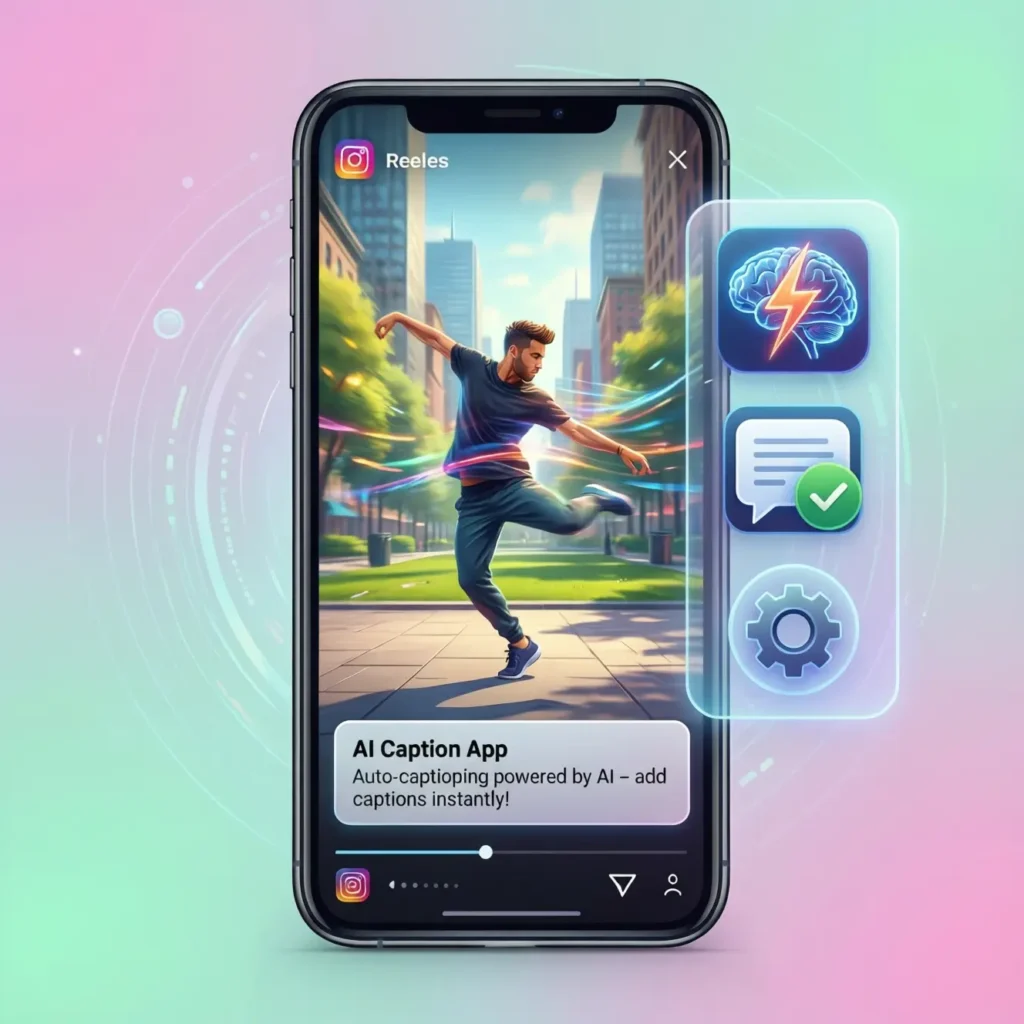
- 📲 Choose an AI captioning app 📲
- 🎥 Upload your video 🎥
- 🧠 Let AI transcribe audio 🧠
- ✍️ Review generated captions ✍️
- 🎨 Customize styles and highlights 🎨
- 💥 Add animated captions 💥
- 🔤 Emphasize keywords 🔤
- 📐 Adjust placement 📐
- 📹 Export video with captions 📹
- 📤 Upload to Instagram 📤
- 🔊 Test sound-off viewing 🔊
- 🚀 Post for maximum retention 🚀
🎨 How to Add Captions to Instagram Reels That Look Clean & Aesthetic 🎨
- 👀 Choose high-contrast colors 👀
- 🔤 Use bold, simple fonts 🔤
- 📍 Keep captions in the safe zone 📍
- 🎯 Center-align for focus 🎯
- ✨ Highlight important words ✨
- 🧠 Break long sentences 🧠
- 🎬 Sync text perfectly 🎬
- 🌈 Match captions to brand vibe 🌈
- 🔄 Keep spacing consistent 🔄
- 📱 Test on small screens 📱
- 🧩 Avoid clutter 🧩
- 💎 Keep it readable first 💎
📈 How to Add Captions to Instagram Reels for Better Reach 📈
- 🔍 Use clear spoken keywords 🔍
- 🧠 Match captions to video topic 🧠
- ⏱ Improve watch time ⏱
- 👀 Hold attention longer 👀
- 💬 Encourage comments 💬
- 📌 Increase saves 📌
- 🔄 Boost replays 🔄
- 🤝 Improve accessibility 🤝
- 🌍 Reach global audiences 🌍
- 🤖 Help AI understand content 🤖
- 📊 Increase engagement signals 📊
- 🚀 Trigger algorithm push 🚀
🔥 How to Add Captions to Instagram Reels That Keep Viewers Watching 🔥
- 🎯 Start captions immediately 🎯
- ⚡ Use hook-driven first line ⚡
- 👁 Change captions frequently 👁
- 💥 Highlight emotional words 💥
- ⏳ Keep pacing fast ⏳
- 🧠 Simplify language 🧠
- 😮 Use curiosity triggers 😮
- 💬 Ask subtle questions 💬
- 🎬 Sync with visuals 🎬
- 🔁 Reinforce key points 🔁
- 📉 Avoid long pauses 📉
- 🏁 End with clarity 🏁
♿ How to Add Captions to Instagram Reels for Accessibility ♿
- 🤝 Support hearing-impaired users 🤝
- 🌍 Reach non-native speakers 🌍
- 🔤 Improve comprehension 🔤
- 👀 Help sound-off viewers 👀
- 🧠 Reduce cognitive load 🧠
- 📱 Improve mobile experience 📱
- 🎯 Make content inclusive 🎯
- 💬 Communicate clearly 💬
- 🌈 Build trust 🌈
- 🔁 Encourage replays 🔁
- ❤️ Show empathy ❤️
- 🏆 Build loyal audience 🏆
💬 How to Add Captions to Instagram Reels With Emojis & Emphasis 💬
- 😍 Use emojis sparingly 😍
- 🔥 Highlight emotions 🔥
- 👉 Point to actions 👉
- 💡 Emphasize key ideas 💡
- 👀 Guide eye movement 👀
- 🎯 Reinforce tone 🎯
- ✨ Keep emojis relevant ✨
- 📉 Avoid overuse 📉
- 🧠 Pair emojis with words 🧠
- 💬 Improve clarity 💬
- 📈 Increase engagement 📈
- 🚀 Enhance personality 🚀
🧠 How to Add Captions to Instagram Reels Using Smart Keyword Strategy 🧠
- 🔍 Speak your main keyword 🔍
- 📝 Match captions to speech 📝
- 🤖 Help AI indexing 🤖
- 📈 Improve discoverability 📈
- 🌍 Support GEO relevance 🌍
- 💡 Answer viewer intent 💡
- 🎯 Stay topic-focused 🎯
- 🔁 Repeat naturally 🔁
- 🧠 Avoid keyword stuffing 🧠
- 💬 Use conversational language 💬
- 📊 Strengthen relevance 📊
- 🚀 Rank better 🚀
🚫 How to Add Captions to Instagram Reels Without Common Mistakes 🚫
- ❌ Don’t trust auto-captions blindly ❌
- ❌ Avoid tiny fonts ❌
- ❌ Don’t block faces ❌
- ❌ Avoid long paragraphs ❌
- ❌ Don’t ignore timing ❌
- ❌ Skip cluttered designs ❌
- ❌ Avoid low contrast ❌
- ❌ Don’t rush editing ❌
- ❌ Avoid off-screen text ❌
- ❌ Don’t forget previews ❌
- ❌ Skip slang overload ❌
- ❌ Don’t post unchecked ❌
🚀 How to Add Captions to Instagram Reels for 2026 Trends 🚀
- 🤖 AI-readable captions 🤖
- 🎯 Emotion-focused wording 🎯
- 📈 Retention-first design 📈
- 🌍 Global-friendly language 🌍
- 💬 Conversational tone 💬
- 🎥 Short-form clarity 🎥
- 🔥 Authentic delivery 🔥
- 🧠 Human-first captions 🧠
- 📱 Mobile-optimized text 📱
- 💡 Value-driven messaging 💡
- 🔄 Replay-friendly pacing 🔄
- 🏆 Algorithm-proof strategy 🏆
💡 Expert Tip: Caption Timing for Maximum Impact 💡
🔥 Deliver captions 0.2 seconds before speech to prepare the brain 🔥
🎤 Emphasize emotional words with size changes 🎤
💬 Use pauses to let captions “breathe” 💬
📱 Test every Reel on mute first 📱
This technique boosts comprehension, retention, and comments dramatically 🚀✨
❓ Q&A: How to Add Captions to Instagram Reels ❓
Q1: Does Instagram auto-caption all Reels?
Yes, but accuracy depends on audio quality.
Q2: Are captions necessary for every Reel?
Yes, especially for growth and accessibility.
Q3: Do captions affect reach?
Absolutely. They improve watch time and AI understanding.
Q4: Can I edit captions after posting?
No. Edit before posting.
Q5: Are third-party apps better?
They offer more styling and control.
Q6: Should captions match spoken words exactly?
Mostly yes, but clarity matters more.
Q7: Do captions help SEO?
Yes. Spoken keywords help AI indexing.
Q8: Are emojis good in captions?
Yes, when used intentionally.
🌟 Conclusion:🌟
Learning how to add captions to Instagram Reels is no longer a “nice-to-have” skill; it’s a growth necessity.
Captions turn viewers into listeners, scrollers into stayers, and Reels into real connections.
When you combine clarity, timing, emotion, and strategy, your content becomes accessible, engaging, and algorithm-friendly.
Start captioning with intention, and let your message travel further than sound ever could 🎬💬✨